
Duolingo: Language Lessons
DuolingoEducation
4.7967.24K Reviews
- Version
- Varies With Device
- Installs
- 500.00M
- Age Rating
- Everyone
Screenshots
Our Review of Duolingo: Language Lessons
 Analysis by Appyee
Have you ever dreamt of speaking another language but didn’t know where to start? Well, let me introduce you to Duolingo: Language Lessons. It's like having a personal language coach right in your pocket, and trust me, this app is a game-changer.
A friendly start, with sensible expectations
That welcoming first impression is useful, especially if you have never studied a language before. Duolingo is an education app developed by Duolingo, and it is free to start. Its average rating is 4.6 from around 41 million ratings, and it has over 500 million installs. Those figures suggest that it has reached a very broad audience, though popularity alone cannot tell you whether its approach suits your goals.
The app is rated for Everyone, and in-app purchases range from $0.99 to $239.99 per item. I would treat the free experience as a way to test whether its lesson style works for you before considering any purchase. If you are using it with a child, I would still look through the app together and pay attention to account and purchase choices rather than assuming that an age rating answers every family question.
Getting Started with Duolingo
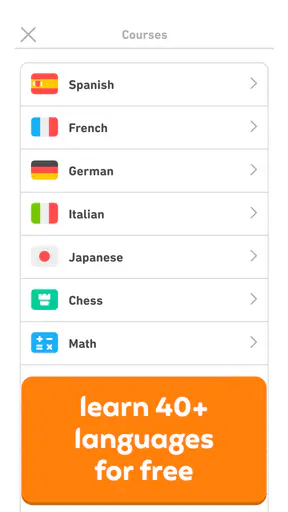
Once you download Duolingo: Language Lessons, you’re greeted with its friendly, colorful interface that instantly invites you to dive in. Setting up is a breeze. You can choose from a wide variety of languages, from Spanish and French to more exotic options like Swahili or Klingon — yes, for all you Trekkies out there!
The app asks about your goals, whether you want to learn for travel, work, or just for fun. This customization means the app tailors the experience to suit your needs. After setting your daily goal, you're off to the races!
How It Works
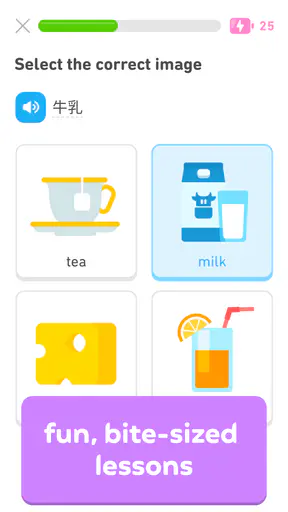
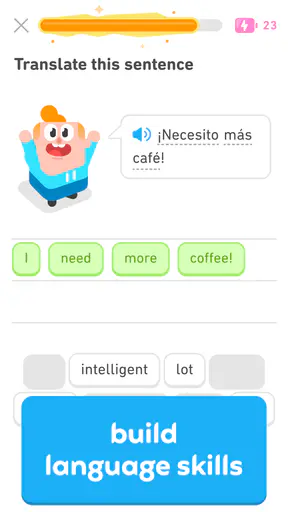
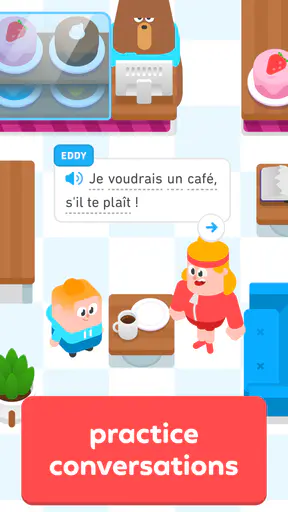
The beauty of Duolingo is in its bite-sized lessons. They’re designed to be short and sweet, perfect for fitting into a coffee break or while waiting for the bus. The lessons are interactive, mixing up vocabulary, listening, and speaking exercises to keep things fresh.
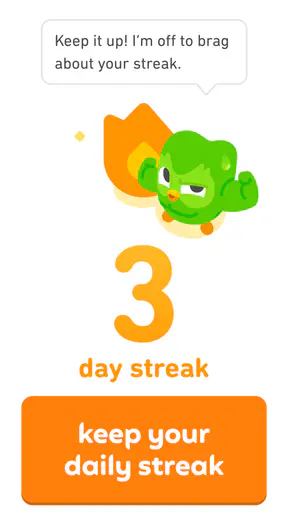
I found the gamified approach incredibly motivating. Each lesson earns you points and streaks, unlocking new levels and achievements. It’s like a video game, but you’re leveling up in real-life skills. There’s even a league system to compete with friends or others around the world, adding a friendly competitive edge.
Make short sessions add up
One practical way to use those brief lessons is to attach them to a routine you already have: a few minutes after breakfast, during a quiet commute, or while waiting for an appointment. For example, if I had a trip coming up, I would use a small daily session to revisit useful phrases and listening practice, then make a note of expressions I would want to say aloud later. That turns the app into a regular prompt to study, rather than expecting one session to prepare me for every conversation.
A useful trade-off is that points and streaks can make consistency feel rewarding, but they are not the same as being able to hold a conversation. I would use them as reminders, not as a measure of fluency. When a sentence feels difficult, repeating it aloud and trying to explain its meaning in my own words is a better check than simply finishing the exercise quickly.
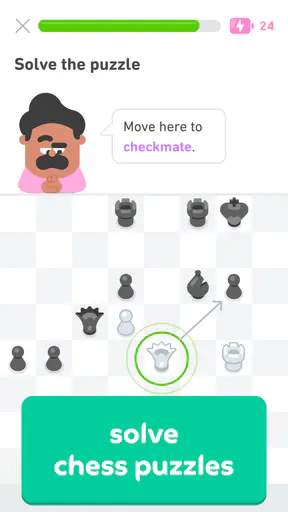
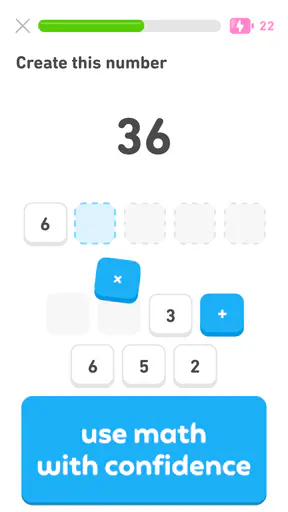
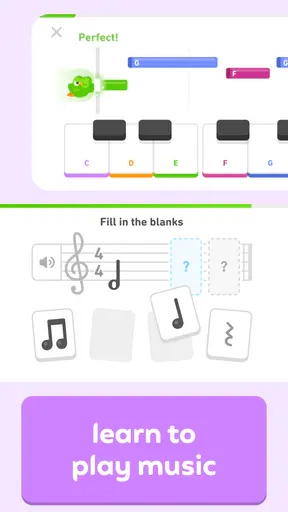
Duolingo’s range now extends beyond language study: its learning options include Spanish, French, German, English, Math, Music, and Chess. That breadth may make the app appealing if you like returning to one familiar learning environment for different subjects. Still, if your main goal is speaking confidently with people, I would pair the app with real conversation practice; brief guided exercises and spontaneous dialogue ask different things of you.
Why Duolingo Stands Out
One thing that sets Duolingo apart is its community and feedback system. If you get stuck, there's a helpful discussion section for each question. Users can share tips and tricks, so you never feel alone on your language journey.
Another standout feature is the app’s ability to adapt to your learning style. It identifies areas where you struggle and adjusts the difficulty accordingly. This personalized learning path ensures you’re always challenged but never overwhelmed.
Let’s not forget the app is completely free. Of course, there’s a premium version, but the free one is robust enough for most users. It includes ads, but they’re not intrusive, just a small trade-off for an otherwise stellar free product.
Choosing the right learning companion
Compared with a conventional textbook, Duolingo makes it easier to begin immediately and return for a short practice session, while a book may be better when you want a clear grammar explanation or room to annotate examples. Compared with a class or tutor, the app offers a more flexible routine, but a teacher can respond to your particular questions and help you work through mistakes in a live exchange. I see it as a convenient practice tool, not a complete substitute for either.
It is especially well suited to beginners, casual learners, and people who need a low-pressure way to build a study habit. It may be less satisfying if you already have an advanced level, need specialist vocabulary for a job, or want sustained speaking and writing feedback. In those cases, a course, tutor, conversation group, or targeted reference may be a better main resource, with Duolingo serving as optional extra practice.
Trust, choices, and personal information
Because language learning can involve an account and repeated use, I think it is worth pausing to review the choices shown in the app rather than treating a cheerful design as a privacy explanation. Check the account settings and the options presented during setup, and decide what information you are comfortable sharing. I would avoid entering sensitive personal details into practice responses, especially when an ordinary example will do.
I can’t responsibly infer specific permissions or data-handling practices from the learning experience alone. For a careful decision, read the current privacy information and permission prompts on your device, and revisit account controls if your preferences change. This is particularly sensible if a child will use the app or if you are weighing a paid option: understand the choice on screen before proceeding, and keep purchase decisions with the account holder.
That kind of check does not need to interrupt every lesson. A quick review of the choices available to you at setup, followed by a glance at settings when you have time, is a practical way to stay in control. I also recommend judging the app on the learning routine it actually gives you, rather than assuming that a large user base or a polished interface guarantees it is the right fit for your needs.
Final Thoughts
Overall, Duolingo is a fantastic tool for anyone looking to learn a new language. Its user-friendly design, engaging lessons, and community support make it an ideal choice. Whether you’re a complete beginner or brushing up on your skills, Duolingo offers a flexible and enjoyable way to learn.
If you haven’t tried it yet, give it a shot. Who knows? You might find yourself ordering coffee in Spanish or discussing the weather in French before you know it!
My cautious recommendation is to start with the free lessons, choose a manageable routine, and notice whether you remember material outside the app as well as inside it. If the short format keeps you coming back, that is a real strength. If you need deeper explanations, structured correction, or regular conversation, add another learning method instead of expecting one app to cover everything. That balance lets you enjoy Duolingo’s accessibility while keeping your expectations—and your choices—grounded.
Privacy and Permissions
See what permissions an app requests and how it handles your data.
- Identity
- find accounts on the device
- Calendar
- read calendar events plus confidential information, add or modify calendar events and send email to guests without owners' knowledge
- Contacts
- find accounts on the device, read your contacts
- Photos/Media/Files
- read the contents of your USB storage, modify or delete the contents of your USB storage
- Storage
- read the contents of your USB storage, modify or delete the contents of your USB storage
- Microphone
- record audio
- Other
- view network connections, full network access, change your audio settings, run at startup, control vibration, prevent device from sleeping
Verdict
Strengths of Duolingo: Language Lessons
- User-friendly interface makes learning easy.
- Gamified lessons keep users engaged.
- Wide variety of languages available.
- Daily goals encourage consistent practice.
- Free version offers substantial content.
Limitations of Duolingo: Language Lessons
- Limited depth in advanced language skills.
- In-app purchases can be distracting.
- Internet connection required for most features.
- Repetitive exercises may become monotonous.
- Speech recognition can be inconsistent.
Other Releases by Duolingo
View All
Learn to Read - Duolingo ABC
Education4.0
Similar Picks in This Category
View All
Google Classroom
Google LLC2.8

Unacademy: Learn & Crack Exams
Unacademy3.2

Bible App for Kids
Life.Church4.4

Cake - Learn English & Korean
Cake Corp.4.7

Brainly: AI Homework Helper
Brainly4.5

Photomath
Google LLC4.3
You May Also Like
View All


Frequently Asked Questions
What languages can I learn with Duolingo?
Duolingo offers a wide variety of languages for learners, including popular options like Spanish, French, and German, as well as less common languages such as Welsh, Navajo, and Esperanto. The app frequently updates its language offerings, so it’s a good idea to check for new additions periodically.
Is Duolingo effective for language learning?
Duolingo is designed to be a fun and engaging way to learn a new language. It uses gamification to encourage daily practice, which can be effective for building vocabulary and basic grammar skills. However, for advanced proficiency, it may be beneficial to supplement with additional resources like speaking practice or immersion.
Does Duolingo require a subscription to use?
Duolingo is free to use, but it offers a premium subscription called Duolingo Plus. This subscription removes ads, allows offline access, and provides additional features like progress tracking. The free version is fully functional for language learning, but the Plus version can enhance the experience for dedicated users.
Can I use Duolingo offline?
Offline access is available through the Duolingo Plus subscription. This feature allows users to download lessons and practice without an internet connection, which is convenient for learning on the go or in areas with limited connectivity. The free version requires an internet connection to access lessons.
How does Duolingo keep me motivated to learn?
Duolingo uses a variety of motivational tools to keep users engaged. This includes streaks for consecutive days of practice, a reward system with points and levels, and leaderboards to compete with friends. These features make learning feel like a game, encouraging regular practice and sustained effort.
